Insights
Articles and updates from the Boost team.
Filter by app or category
ClickUp Invoicing Integration: Sync Invoices Automatically
Set up a ClickUp invoicing integration that keeps invoices, due dates, and payment status in step with Xero. See how Boost Plugins does it, then book a demo.

Connect Claude to QuickBooks: Setup, Limits, and Options
Learn how to connect Claude to QuickBooks, what the Intuit connector cannot reach, and how Boost Plugins closes the QuickBooks Desktop gap. Book a demo today.

QuickBooks Enterprise Integration: How to Connect Apps
QuickBooks Enterprise integration without building your own connector. Boost Plugins gives your app one managed API into QuickBooks Desktop data.
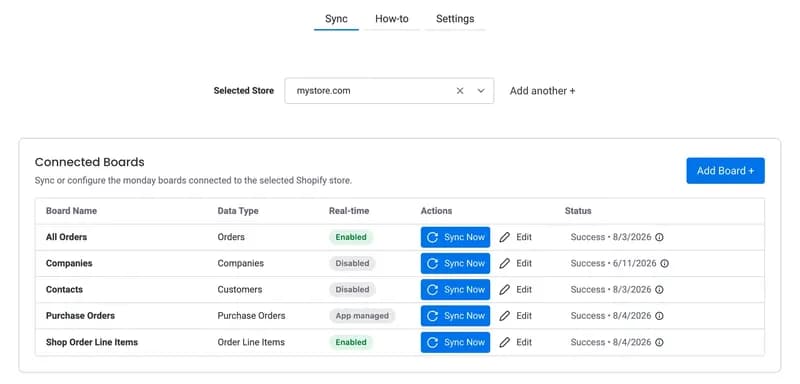
Shopify Purchase Order Management: Step-by-Step Guide
Shopify purchase order management is easier when supplier orders, stock, and customer demand sit in monday.com with Boost Plugins. Install on monday.com today.
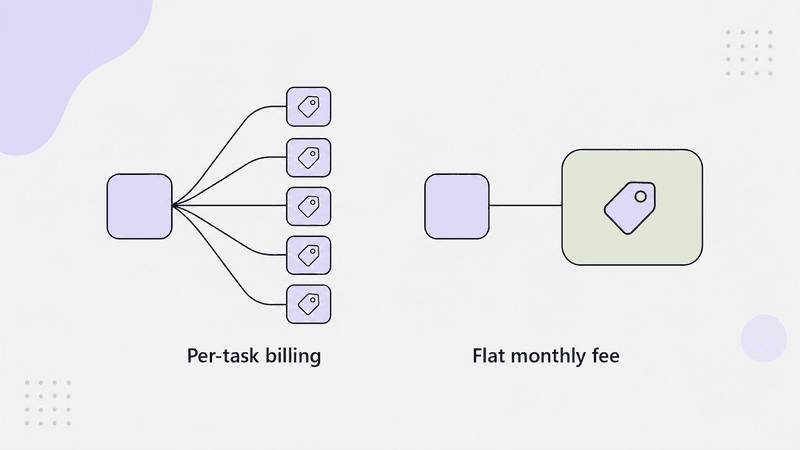
Why Is Zapier So Expensive? When a Dedicated App is Cheaper
Zapier's flexibility is valuable. The cost problem appears when a do-it-yourself automation starts to spiral in complexity.
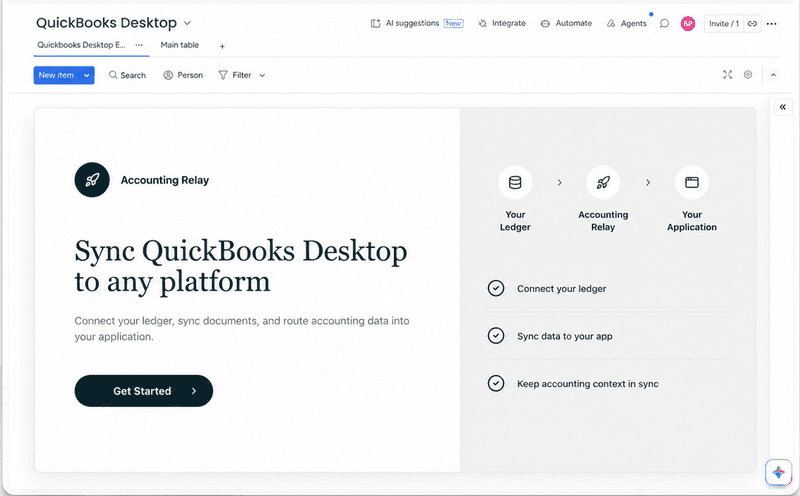
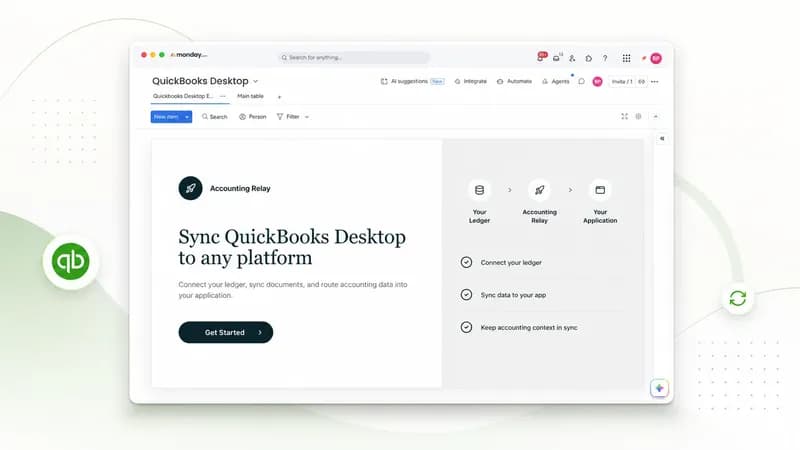
Sync QuickBooks Desktop to monday.com with Boost Plugins
Sync QuickBooks Desktop to monday.com with Boost Plugins. Save 15-20 hours a week on manual data entry. Install BoostSync on monday.com and get started today.
Monday Automations vs Zapier vs Apps: Which Should You Use?
Compare monday.com's native automations, Zapier, and marketplace apps to find the right fit for your workflow

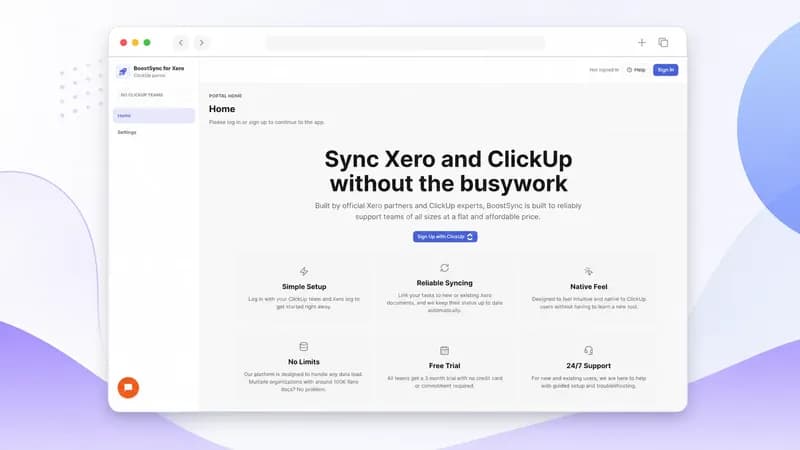
How to Send a Xero Quote from ClickUp
Learn how to send Xero quote from ClickUp using BoostSync for Xero. Create and track quotes from any task. Install for free today.
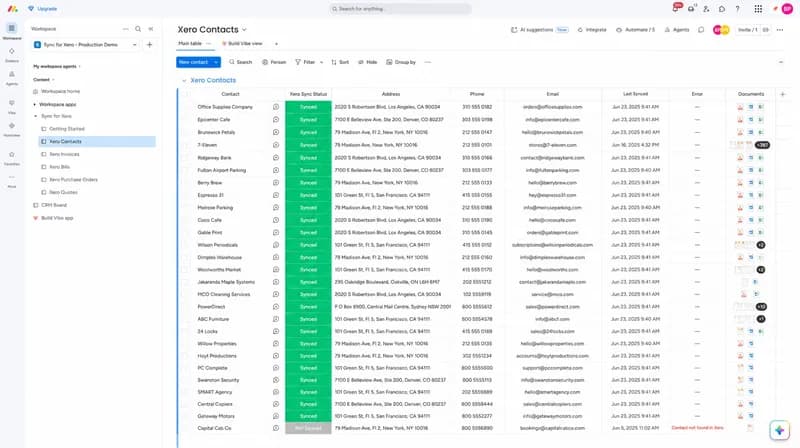
Sync Xero Contacts to Monday.com: Simple Guide
Sync Xero contacts to monday.com automatically without manual work. Keep data accurate across both platforms in under 15 minutes. Install now with BoostPlugins.
Automate Xero in Monday.com: Start Managing Projects with Real Numbers
Automate Xero in monday.com to sync invoices and projects automatically. Save 15–20 hours a week by installing BoostSync for Xero with Boost Plugins.