YouTube tutorial
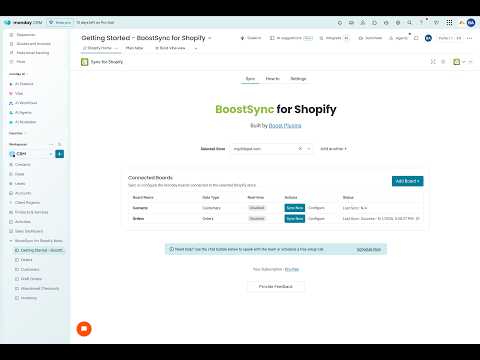
Setup tutorialWalk through initial installation, connect Shopify, and launch your first sync with the core mapping options in place.
Watch on YouTubeThese docs cover installation, board mapping, historical import, filters, and the supported Shopify-to-monday and monday-to-Shopify workflows in BoostSync for Shopify.
If you have additional questions that aren't answered here, we are always available to talk via our contact form or via the chat option at the bottom of the page. We love meeting our users!
Start with the core guides for connecting Shopify, mapping boards, and launching the first sync.
YouTube tutorial
Setup tutorialWalk through initial installation, connect Shopify, and launch your first sync with the core mapping options in place.
Watch on YouTube
YouTube tutorial
How to customize mapping, filtering, and syncing flowsLearn how to map Shopify fields into monday.com columns and keep important order and customer data moving in real time. Or import historical data into your existing boards.
Watch on YouTube
YouTube tutorial
Syncing a contact CRM boardSee how you can bring an existing contact CRM board and link it with your Shopify store in just a few steps.
Watch on YouTubeYouTube tutorial
How to update Shopify items without leaving monday.comUse the item-view feature on the board to update Shopify-backed records directly from monday.com without bouncing back into the Shopify admin.
Watch on YouTube